
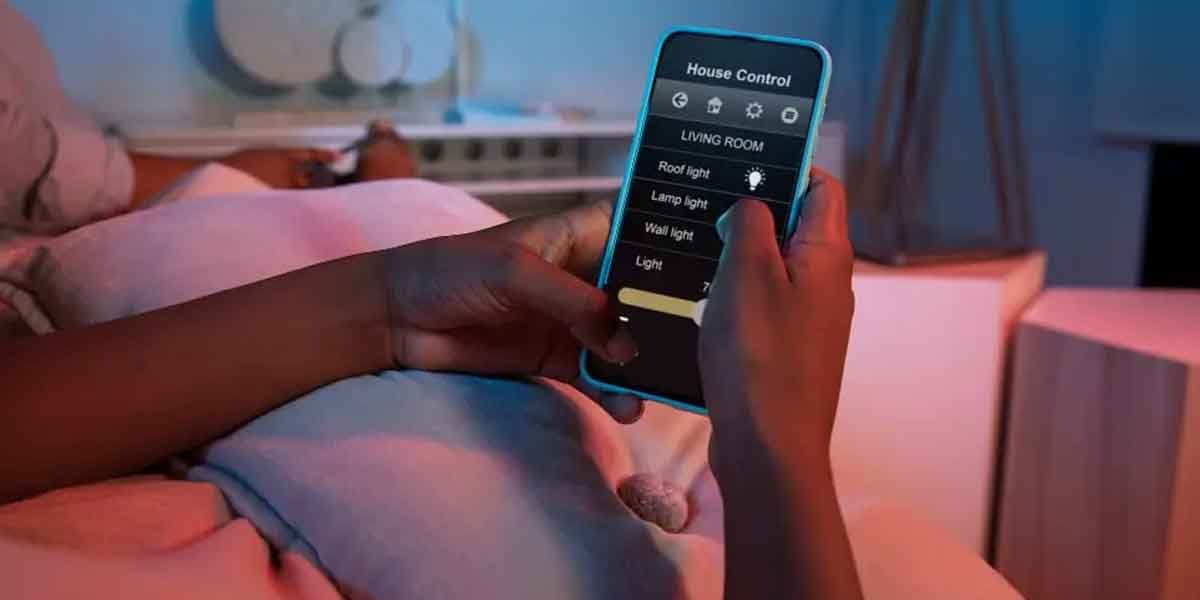
Home automation can make daily life more comfortable, efficient, and intuitive, but only when it’s planned and implemented correctly. Many homeowners jump into smart technology excited by features and gadgets, only to end up with systems that feel fragmented, confusing, or underused. These issues usually don’t come from the technology itself, but from avoidable mistakes made early on.
In this article, professionals experienced with home automation systems in Naples, FL, break down the most common home automation mistakes homeowners make and how to avoid them. Understanding these pitfalls upfront helps ensure your system works seamlessly, grows with your needs, and actually improves how you live in your home.
Table of Contents
1. Buying Devices Without a Plan
One of the most common mistakes is purchasing smart devices one by one without an overall strategy. This often leads to products that don’t communicate well with each other or require multiple apps to control. Over time, the system feels disjointed rather than convenient. Homeowners may also outgrow these devices quickly.
How to avoid it:
Start with a clear vision of what you want automation to accomplish in your home. Think in terms of systems, not individual gadgets. Planning first ensures compatibility and smoother integration as your setup expands.
2. Prioritizing Gadgets Over Daily Use
It’s easy to be drawn to features that sound impressive but rarely get used. Complex automations that don’t align with daily routines often end up ignored. When technology feels like extra work, it defeats the purpose of automation. This leads to frustration and wasted investment.
How to avoid it:
Focus on automation that supports everyday habits, such as lighting, climate, and security. If it doesn’t make life easier on a daily basis, it probably isn’t worth prioritizing. Practical convenience always wins over novelty.
3. Ignoring Professional System Design
Many homeowners underestimate how important system design is. Poorly designed automation can cause delays, unreliable performance, or confusing controls. Even high-quality equipment won’t perform well without proper planning. Design flaws often reveal themselves after installation.
How to avoid it:
Work with professionals who understand layout, wiring, network demands, and user experience. A properly designed system considers both current needs and future growth. Good design prevents problems instead of reacting to them later.
4. Overcomplicating the User Experience
Automation should feel intuitive, not overwhelming. When systems require too many steps or constant adjustments, users stop engaging with them. Multiple remotes, apps, or control panels add unnecessary friction. Complexity often leads to underused features.
How to avoid it:
Keep controls simple and consistent throughout the home. Centralized interfaces and clear presets improve usability. The best systems work quietly in the background without constant interaction.
5. Failing to Plan for Future Expansion
Technology evolves, and many homeowners don’t plan for growth. Systems that can’t be expanded often require partial or full replacement later. This limits flexibility and increases long-term costs. What works today may feel restrictive in a few years.
How to avoid it:
Choose scalable platforms that allow new features and rooms to be added easily. Planning for future upgrades protects your investment. A flexible system adapts as your lifestyle changes.
6. Overlooking Network and Infrastructure Needs
Home automation relies heavily on a strong and reliable network. Weak Wi-Fi coverage, outdated equipment, or poor wiring can cause lag and dropped connections. These issues are often mistaken for device failure. In reality, the infrastructure is the problem.
How to avoid it:
Ensure your network is designed to support automation demands. Proper wiring, access points, and bandwidth planning make a noticeable difference. A solid foundation is essential for system reliability.
7. Skipping Ongoing Support and Maintenance
Some homeowners assume automation systems don’t require maintenance once installed. Over time, software updates, device changes, and new technologies can affect performance. Without support, systems can become outdated or unreliable. This leads to frustration and reduced functionality.
How to avoid it:
Plan for ongoing service and system checkups. Regular updates and adjustments keep everything running smoothly. Long-term support ensures your system continues to perform as intended.